

How to Maximize Your Phone’s Lifespan and Avoid Costly Repairs
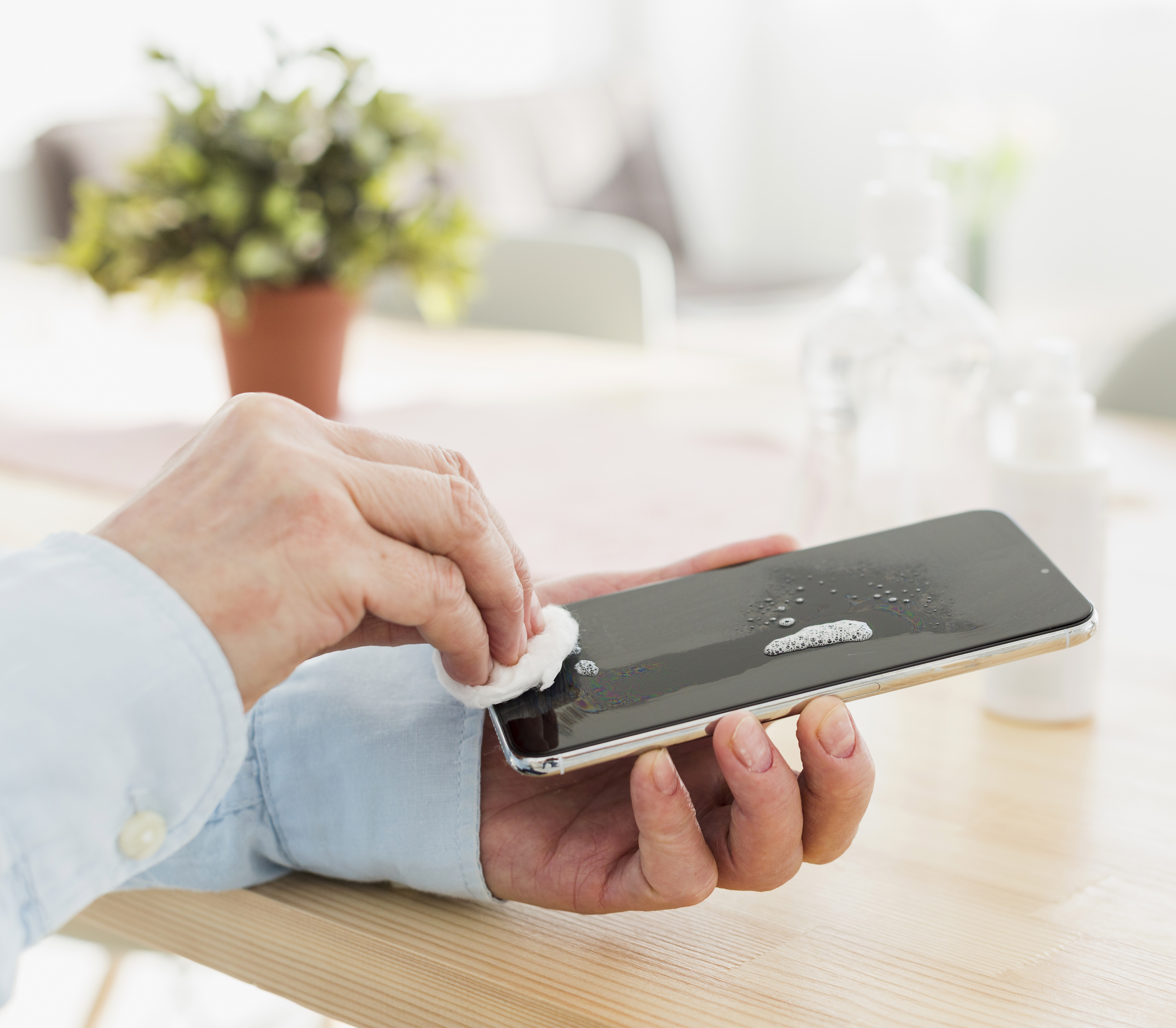
Your smartphone is one of the most used devices in your daily life. Whether you own an Apple iPhone, Samsung Galaxy, Google Pixel, or another Android phone, it likely handles everything from work emails to photos, navigation, and entertainment.
But smartphones aren’t cheap. Replacing a damaged device can cost hundreds or even thousands of dollars. The good news is that with proper care and a few smart habits, you can extend the lifespan of your phone and avoid costly repairs.
At CellWoRx, located at 1239 W 5th Ave, Columbus, OH 43212, we specialize in same-day iPhone repair, Samsung repair, Android repair, MacBook repair, and electronics service. Here are the best ways to keep your device running longer and performing like new.
Use a Protective Case and Screen Protector
One of the most common repairs we see at CellWoRx is cracked phone screens. Dropping your phone just once can result in an expensive repair if the display is damaged.
Whether you have an iPhone 15, Samsung Galaxy S series device, or another Android smartphone, protecting your screen is essential.
Tips to prevent screen damage:
Use a shock-absorbing phone case
Install a tempered glass screen protector
Avoid placing your phone in the same pocket as keys or coins
Use a phone grip to prevent accidental drops
If your screen does crack, CellWoRx offers fast iPhone screen replacement and Samsung screen repair in Columbus, often with same-day service.
Charge Your Battery the Right Way
Battery health is one of the biggest factors affecting how long your phone lasts. Most modern smartphones—including Apple iPhones and Samsung Galaxy phones—use lithium-ion batteries that degrade faster when constantly pushed to extremes.
To extend battery life:
Keep your battery between 20% and 80% charge when possible
Avoid letting your phone regularly drop to 0%
Use certified Apple or Samsung-compatible chargers
Avoid heavy gaming or video streaming while charging
If your phone battery drains quickly or shuts down unexpectedly, a battery replacement may be the best solution. At CellWoRx, iPhone battery replacements and Android battery replacements can often be completed the same day.
Avoid Overheating
Heat is one of the biggest enemies of smartphone components. High temperatures can damage batteries, processors, and internal circuits in Apple, Samsung, and Android devices.
To protect your phone:
Never leave your phone in a hot car
Avoid prolonged exposure to direct sunlight
Remove the case if your device gets too hot while charging
Close power-hungry apps if your phone starts overheating
If your phone begins shutting down, overheating, or slowing dramatically, professional diagnostics may be needed.
CellWoRx technicians can quickly diagnose issues with iPhones, Samsung phones, Android devices, MacBooks, and tablets. Find device repair services from CellWoRx and more.
Keep Your Software Updated
Keeping your device updated improves both performance and security. Apple and Android regularly release updates designed to optimize battery usage and prevent system errors.
For the best performance:
Install the latest iOS updates for iPhones
Update Android OS and Samsung software updates
Keep your apps updated through the App Store or Google Play
Restart your phone periodically
Software updates can help your device run more efficiently and prevent bugs that lead to slow performance.
Manage Storage and Background Apps
When your phone runs out of storage, it often slows down significantly. This happens frequently with iPhones and Android phones that store thousands of photos and videos.
To keep your device running smoothly:
Delete unused apps
Move photos and videos to cloud storage
Clear app cache periodically
Close apps running in the background
Freeing up storage space can improve speed and battery performance.
Keep Your Charging Port Clean
Another common issue we see at CellWoRx is phones that stop charging properly. Often, the cause isn’t a broken part—it’s simply lint and debris inside the charging port.
To avoid charging issues:
Clean your charging port carefully using compressed air
Avoid charging your phone in dusty environments
Use high-quality charging cables
If your iPhone or Android phone won’t charge, CellWoRx can inspect and repair charging ports quickly.
Fix Small Problems Before They Get Worse
Ignoring minor phone issues can lead to larger—and more expensive—repairs later.
Examples include:
Small screen cracks that spread across the display
Batteries that lose charge quickly
Charging ports that stop working
Water damage
At CellWoRx in Columbus, our technicians provide same-day diagnostics and repairs for iPhones, Samsung phones, Android devices, MacBooks, tablets, and other electronics. We also back our repairs with a lifetime warranty on parts and labor, giving customers peace of mind.
Repair Instead of Replace
Many people assume replacing their phone is the only option when something breaks. However, professional phone repair is often much faster and far more affordable.
At CellWoRx, we help Columbus customers save money with:
Same-day phone repairs
Expert Apple and Samsung repair technicians
MacBook and electronics repair
Affordable pricing compared to manufacturer repairs
Visit us at:
CellWoRx
1239 W 5th Ave
Columbus, OH 43212
Keep Your Phone Running Like New
With proper care, smartphones can easily last four to five years or more. By protecting your device, maintaining battery health, managing storage, and addressing small problems early, you can extend the life of your iPhone, Samsung Galaxy, or Android phone while avoiding expensive replacements.
And when something does go wrong, CellWoRx in Columbus is here to help with fast, reliable phone repair and electronics service.